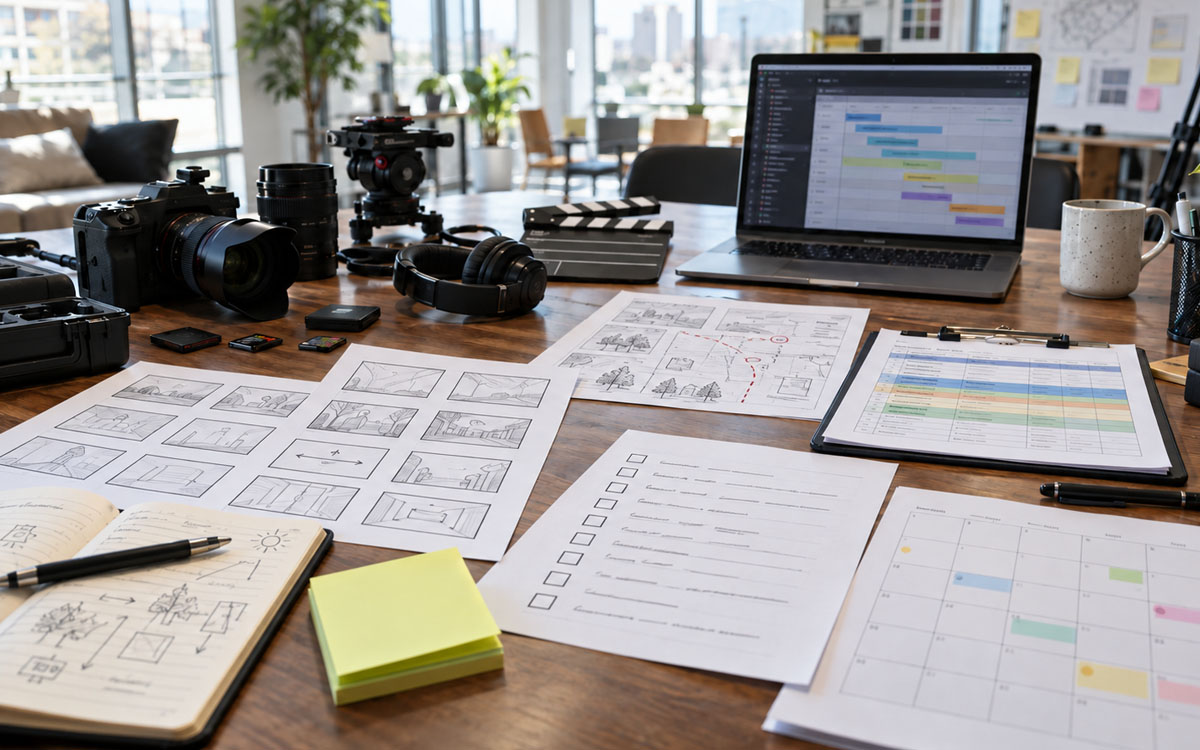
Corporate video shoot days often bog down for avoidable reasons: undecided scripts, unscouted rooms, wardrobe surprises, or unconfirmed technical specs. Finalizing key details 72 hours out can protect your schedule, keep the crew focused, and support your on-camera talent. This checklist zeroes in on lock points that directly affect cameras, audio, lighting, and people on set. By the time the call sheet goes out, each item below should be clear, documented, and distributed to everyone who needs it.
Lock the message, script, and runtime
Freeze the core message and set a target runtime, then script to that length. Circulate one document labeled Script Lock v1.0, including a pronouncer guide for names and product terms and any lower third text. On the title page, list delivery specs and the production team’s primary URL for quick contact, for example cienone.com. Decide aspect ratios up front. If you need 16:9 for YouTube and 9:16 for vertical, that choice affects framing, headroom, and where graphics can safely live. Confirm whether captions will be burned in or delivered as an SRT file so editors can prepare templates that match brand fonts and color.
Create a prioritized shot list tied to the script beats. Mark what’s must-have versus nice-to-have, and flag any inserts like product close-ups or screen captures. A quick storyboard, even as thumbnail sketches, helps identify whether you need slider movement, a gimbal pass, or static tripod shots. Brand assets: lock brand assets too (AI or SVG), font files with licenses, and colors in HEX or Pantone. Freezing these decisions keeps late changes from rippling into motion graphics, lower third animations, and delivery timelines.
Confirm locations, permissions, and power logistics
Scout every location at the same time of day you plan to shoot. Glass walled conference rooms that look great in the morning can become mirror boxes by noon. Note window orientation, HVAC noise, elevator dings, and overhead fixtures that may flicker on camera. If you must shoot under office LEDs, set shutter to 1/60 in 60 Hz regions and test for flicker. A polarizer can tame reflections on glossy tables, and ND gel or black out material can manage window spill. Confirm a clear load in path, elevator dimensions, and a staging area for cases, C stands, and sandbags.
Handle paperwork before gear leaves the truck. Have location releases, front desk notifications, parking instructions, and a certificate of insurance in hand. Reserve dedicated 20 amp circuits for lighting, or confirm where breakers are accessible. Ask IT or security if visitor badges or laptop checks are required; failing to preregister the crew can burn 30 minutes before the first slate. If the space is tight, plan cable runs and gaffer tape routes to avoid tripping hazards and to keep exits clear.
Set talent, wardrobe, and release paperwork
Share on camera guidance at least two days ahead: avoid tight stripes, tiny checks, and high gloss fabrics that moiré or flare under key lights. Offer color suggestions based on the background. If your set includes a dark gray backdrop and a navy sofa, a navy blazer will vanish. Ask each speaker to bring a backup outfit and to detag new clothing to prevent audible rustle against a lavalier. Confirm hair and makeup timing on the call sheet, including a buffer for touch-ups after mic placement.
Collect talent releases and photo IDs in advance, along with the exact spelling of names and job titles for lower thirds. For teleprompter use, format copy with short lines and natural punctuation, and confirm font size and scroll speed at rehearsal. Provide a pronunciation guide for product names and acronyms. If you are interviewing multiple executives back to back, stage a quiet holding area to keep audio clean and to give talent a space to review talking points without floor noise.
Approve camera, audio, and lighting specs
Choose frame rate and resolution early. If you want cinematic motion, 23.98 fps is typical; if the edit will include screen recordings or sports like motion, 29.97 fps can look crisper. Slow motion B roll requires capture at 60p or higher, which affects available shutter angles and lighting levels. Confirm delivery codec and color space. Editors will appreciate clarity on ProRes 422 HQ versus H.264 and whether you want a Rec.709 master or Log files with an approved technical and creative LUT for grades. Align on aspect ratios and whether vertical and square versions will be reframed or center cut.
Audio decisions protect the final polish. Plan 48 kHz sampling to match video and specify a primary mic strategy: lavalier on talent with a hidden cable path plus a boom mic as backup, recorded to a second system with timecode sync. Book 30 to 60 seconds for room tone at each location so editors can smooth dialogue edits. Lighting choices should match your environment. If daylight dominates, 5600K LED panels, diffusion, and flags will help. Mixed sources cause color casts that are tough to fix; budget a few minutes to kill overhead fluorescents or gel them to match your key. A shallow depth of field can separate a subject from a busy office, but it narrows the focus plane, so plan for a capable focus puller or stop down slightly to reduce risk.
Build the call sheet and a realistic contingency buffer
A good call sheet is a timetable, a map, and a contact list. Include load in, setup, a safety brief, rehearsal, takes, and planned resets. Mark quiet times for recording, meal breaks, and a hard out. Add restroom locations, Wi Fi details, and a floor diagram with designated cable runs. Note who brings what: media cards rated V60 or higher for 4K, spare batteries, surge protected power strips, and a UPS for stationary monitors. Assign someone to wrangle releases and another to keep a slate and clip naming consistent so postproduction is faster and fewer shots go missing.
Build in a contingency plan for the top two risks. If the forecast shifts, identify a backup interior and bring extra diffusion or black out material. If an executive’s meeting runs long, be ready to swap the scene or pivot to B-roll that uses the same lighting setup. The most common time killer is unplanned access friction. If the crew needs temporary badges or a laptop check, arrange this with security and IT the day prior. A second culprit is elevator capacity. If moving carts will jam up by traffic, schedule a 30- 30-minute pre-call or load-in before the building gets busy.
Locking decisions are less visible than new gear, but they drive a smooth shoot. Freeze the content, presolve the location, and confirm the specs. Then use the call sheet to protect energy for performance, not logistics. A short preflight meeting 48 hours out, with the script, shot list, permits, wardrobe notes, and tech specs on the table, pays off on set when the first take actually rolls on time.